
Buying guide · 2026
Best monitor for Mac Studio: 5K & 6K without the Apple price
Apple pairs the Mac Studio with the Studio Display (~€1,749) or the Pro Display XDR (~€5,499). Both deliver true Retina sharpness — and both come with an Apple-sized bill. Kuycon builds the same 5K and 6K panels the Mac Studio was designed to drive, from around €940.
Our picks
Three 5K and 6K screens built for the Mac Studio
From a 27" 5K value pick to a 6K flagship to a 40" ultrawide, all three drive Retina-sharp text and full-size colour on macOS out of the box.
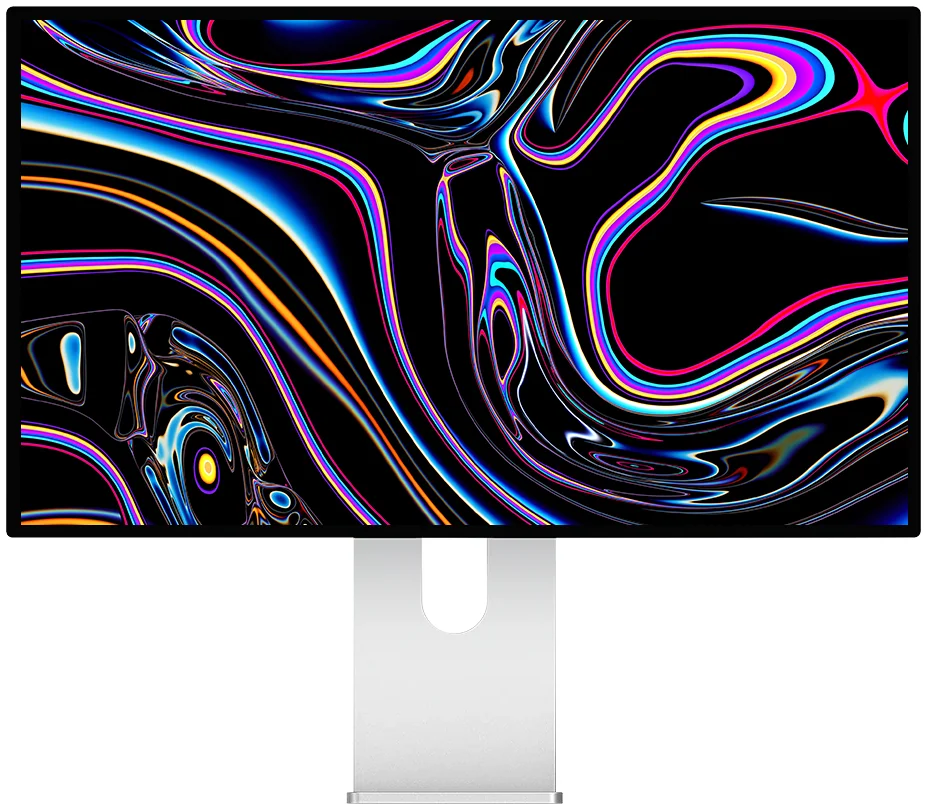
Kuycon G27P
27" · 5K (5120 × 2880) · 218 ppi · HDR
From €939.00
The value pick. Same 5K Retina density Apple charges €1,749 for on the Studio Display, plus HDR, for under €900.
View the G27P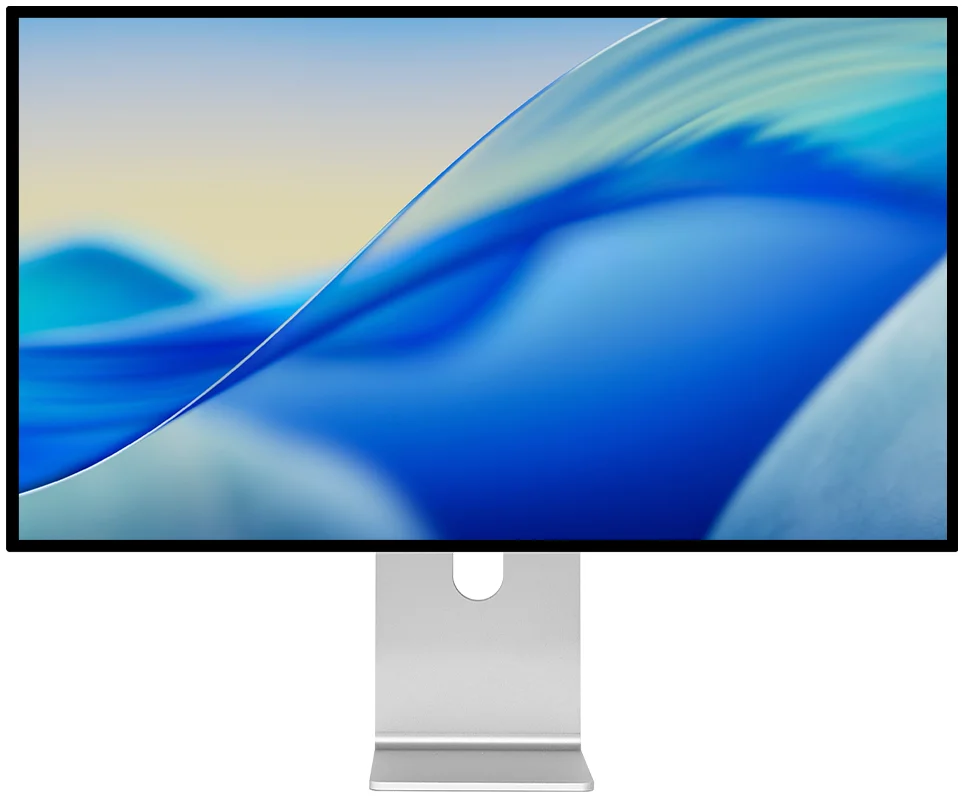
Kuycon G32P
32" · 6K (6144 × 3456) · 223 ppi · IPS Black 2000:1 · HDR
From €1,329.00
The closest match to a Pro Display XDR’s pixel density, at roughly a quarter of the price. A deep, contrasty IPS Black panel that suits photo and video work.
View the G32P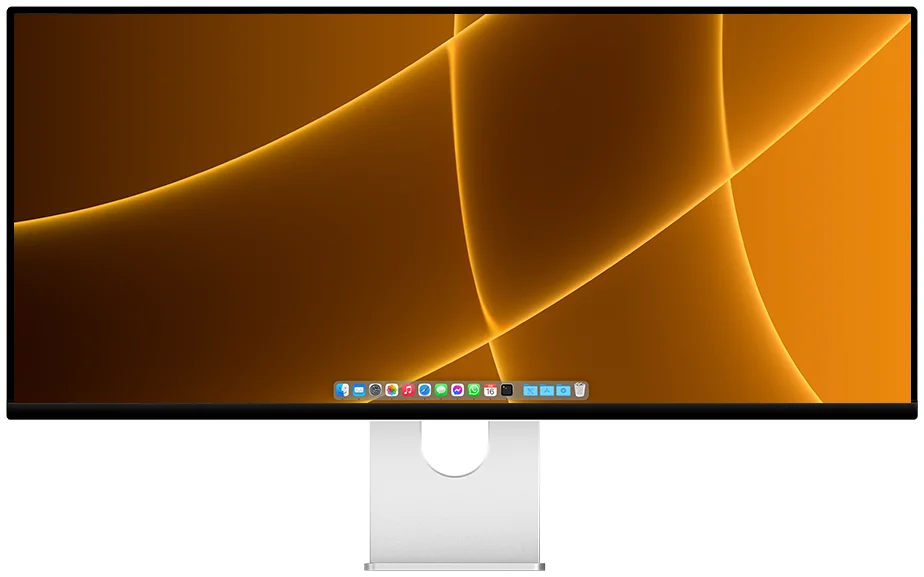
Kuycon P40K
40" · 5120 × 2160 · 120 Hz
From €1,279.00
The one-screen desk. Replaces a dual-monitor Mac Studio setup with a single 5K2K ultrawide at 120 Hz.
View the P40KWhy these Kuycon screens suit the Mac Studio
The Mac Studio was built to push far more pixels than a laptop, and every M-series chip in it — Max or Ultra — can drive a 6K display over Thunderbolt 4 without breaking a sweat. That headroom is exactly what these panels are designed to use.
- 6K over Thunderbolt 4: the Mac Studio outputs full 6K resolution to a single external display, which is what the Kuycon G32P and G32P’s 6144 × 3456 panel needs to run at native sharpness.
- Multiple high-res displays: Mac Studio can drive several external monitors at once, so a 5K G27P as a second screen alongside a 6K G32P is well within its capability.
- Automatic HiDPI / Retina scaling: macOS recognises these panels' resolutions and applies Retina scaling automatically — no manual configuration, just crisp text and interface elements from first boot.
- Brightness from the Mac keyboard: like Apple's own displays, brightness on these screens responds to the standard macOS brightness keys, so there's no separate on-screen menu to dig through.
- Colour for pro photo and video: the G32P's IPS Black panel and HDR support give colour-grading and photo-editing workflows the contrast and range that a Mac Studio's GPU is built to feed.
Want even more speed for gaming or fast-motion editing at 5K? The Kuycon P27Z keeps the 27" 5K sharpness but runs at 180–330 Hz. And if the G32P's price is still more than you want to spend on 6K, the Kuycon G32X offers the same 6144 × 3456 resolution from around €1,210.
FAQ
Monitors for Mac Studio
Does the Mac Studio support 6K displays?
Yes. Every Mac Studio configuration, whether it has an M-series Max or Ultra chip, can drive a 6K external display such as the Kuycon G32P (6144 × 3456) over Thunderbolt 4 at full native resolution.
What's the difference between 5K and 6K for Mac Studio?
Both give Retina-sharp text and images at their respective pixel densities — 5K panels like the Kuycon G27P run at 218 ppi, while 6K panels like the G32P reach 223 ppi on a larger 32" screen. 6K suits larger screen sizes and demanding photo/video work; 5K at 27" is the more affordable, desk-friendly option.
Can I run multiple 5K or 6K displays on a Mac Studio?
Yes, the Mac Studio supports multiple high-resolution external displays simultaneously, so pairing a G27P and a G32P, or two of the same model, is well within its capability.
Get 5K or 6K on your Mac Studio for less
Every Kuycon monitor comes with a 2-year warranty in the European Union, plus EU-based delivery and after-sales — the same Retina-class sharpness Apple sells, at a fraction of the price.
View the Kuycon G32PWritten in August 2026. Prices are shown in your currency, incl. VAT, and may vary by region.