
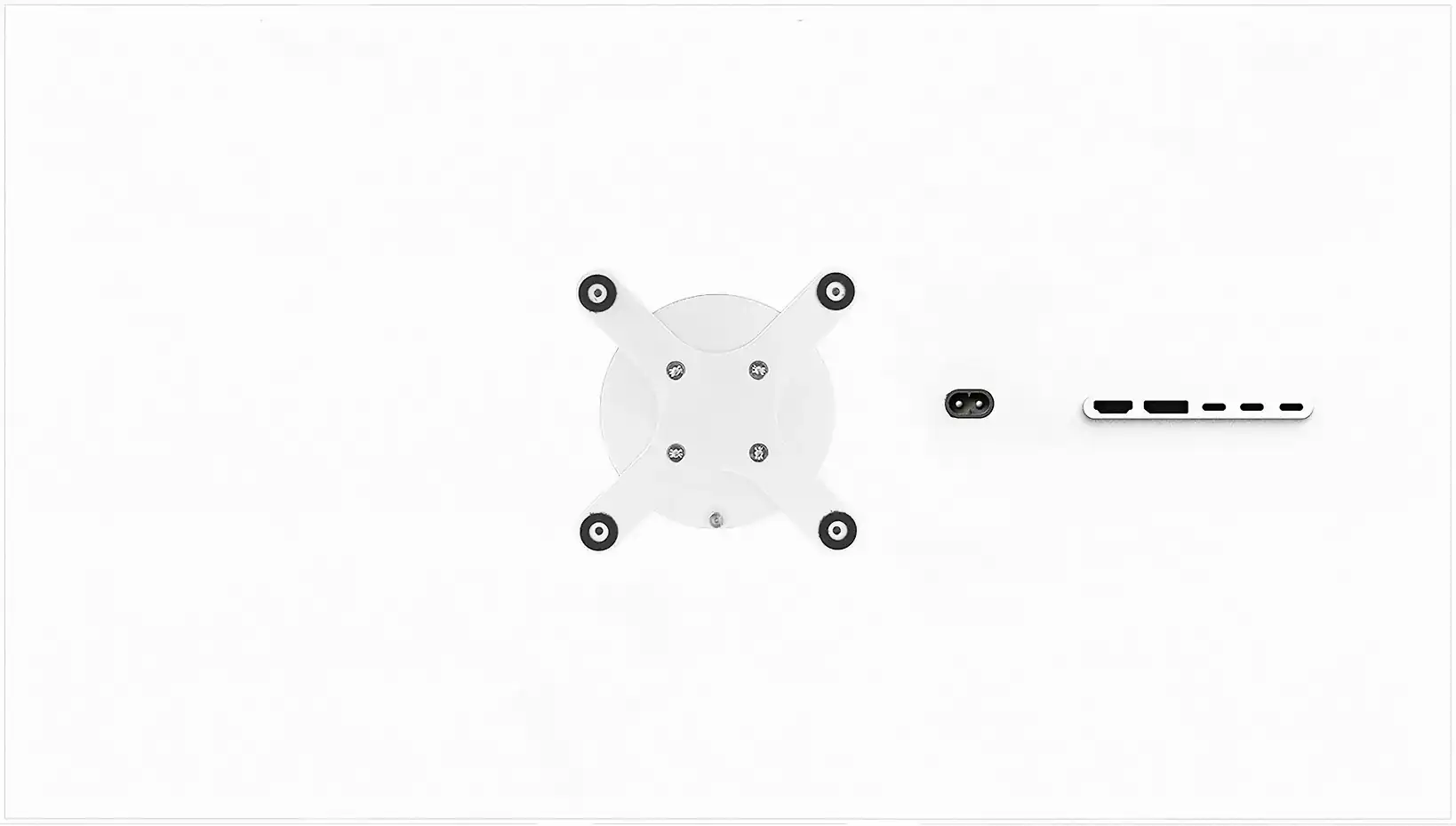
Kuycon Q34W
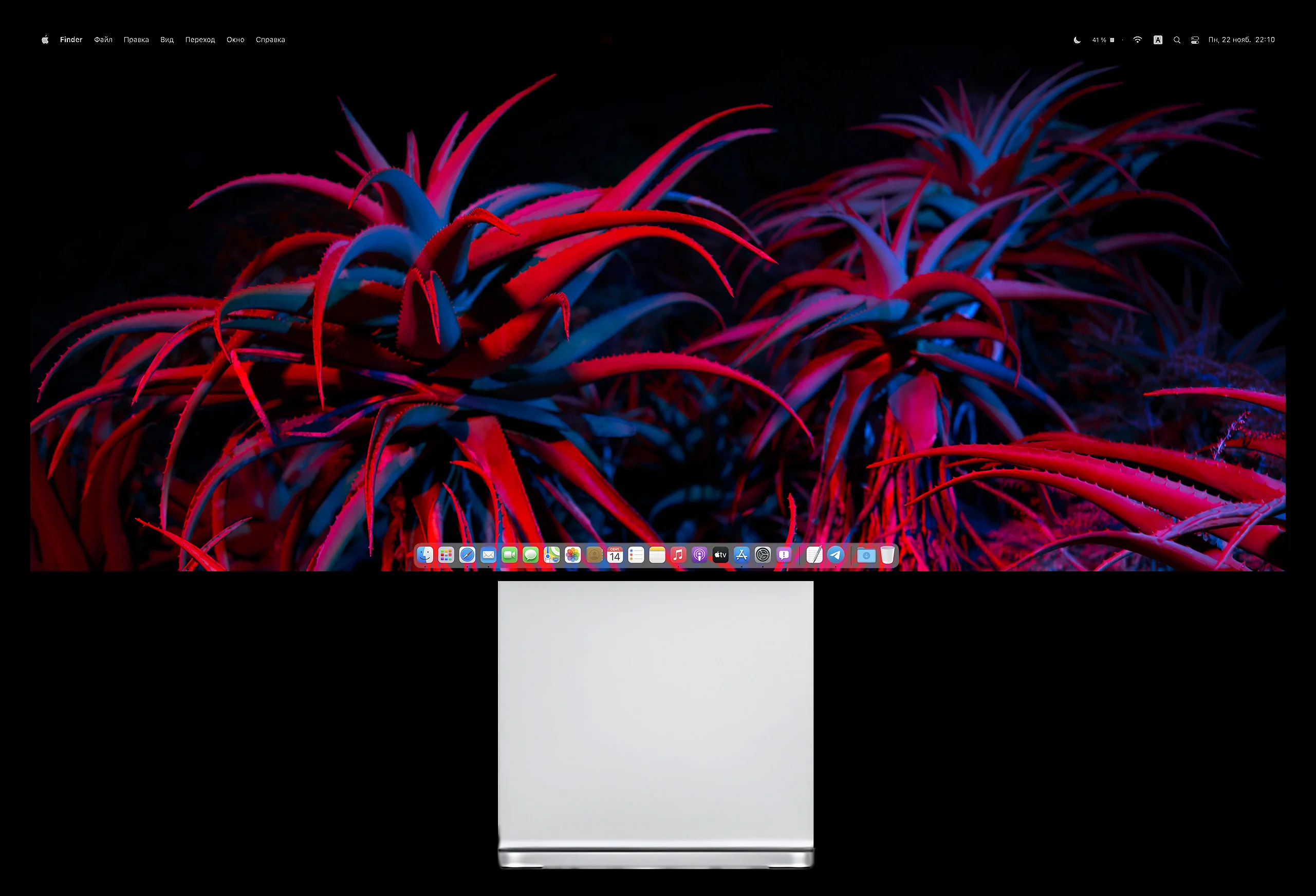
Monitorbrilliant 34 inches. Brightness up to 600 nit. Refreshment rate up to 165 Hz. Compatible with adaptive synchronization AMD FreeSync, NVIDIA G-Sync, PS5 VRR and much more. More than a billion colors returned with exceptional precision. Discover the Kuycon Q34W, a game monitor for Mac, Windows, Linux and game consoles.
Kuycon Q34W
Monitorbrilliant 34 inches. Brightness up to 600 nit. Refreshment rate up to 165 Hz. Compatible with adaptive synchronization AMD FreeSync, NVIDIA G-Sync, PS5 VRR and much more. More than a billion colors returned with exceptional precision. Discover the Kuycon Q34W, a game monitor for Mac, Windows, Linux and game consoles.
Game Monitor without compromise
The Q34W is a game monitor that allows you to play your favorite games with maximum fluidity and 4K details. It supports refresh rates up to 165 Hz, FreeSync, G-Sync and adaptive synchronization for all modern gaming consoles. At the same time, it has a high pixel density, which allows you to see even the smallest details.
Game Monitor without compromise
The Q34W is a game monitor that allows you to play your favorite games with maximum fluidity and 4K details. It supports refresh rates up to 165 Hz, FreeSync, G-Sync and adaptive synchronization for all modern gaming consoles. At the same time, it has a high pixel density, which allows you to see even the smallest details.
One screen to govern them all
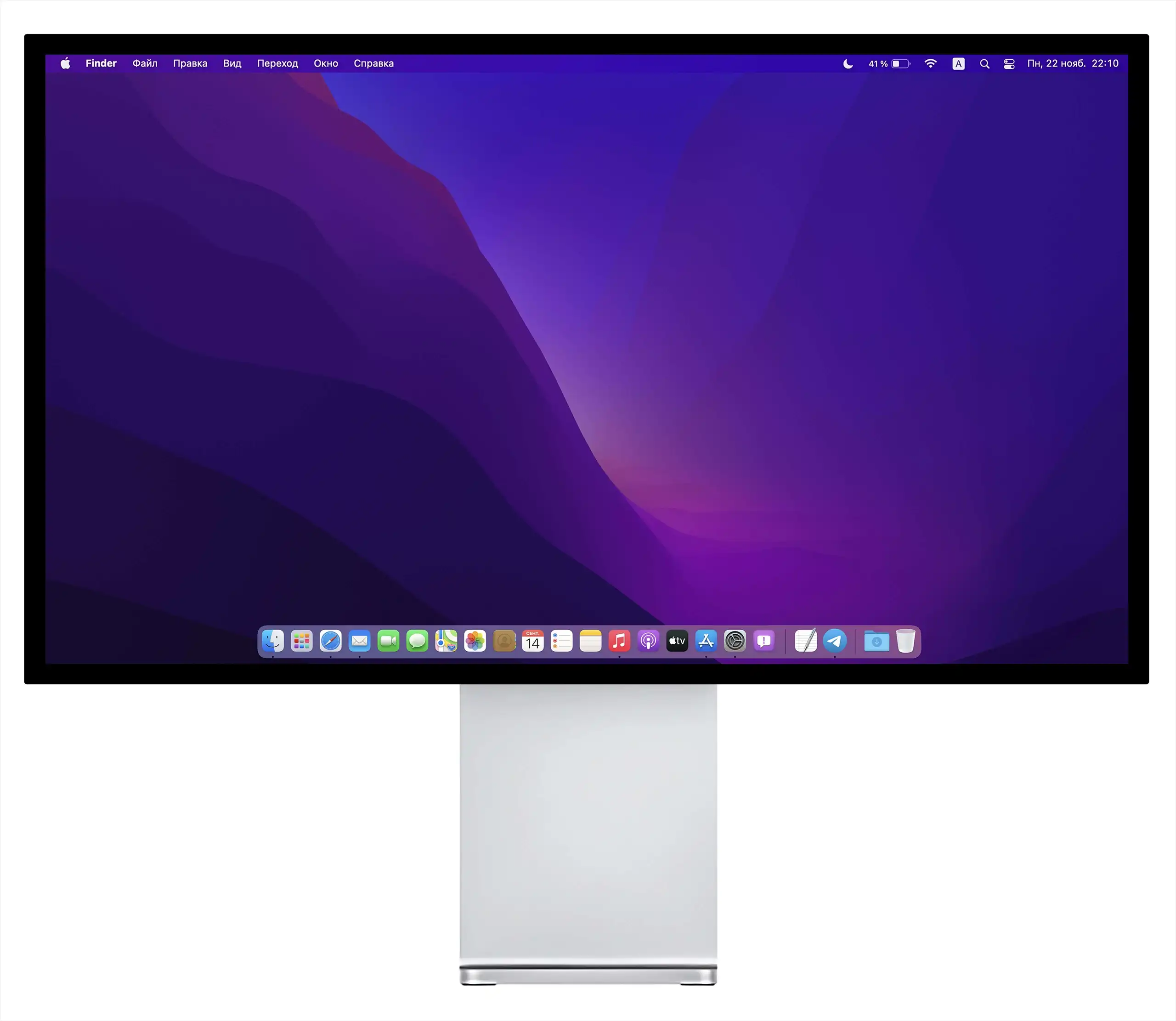
macOS
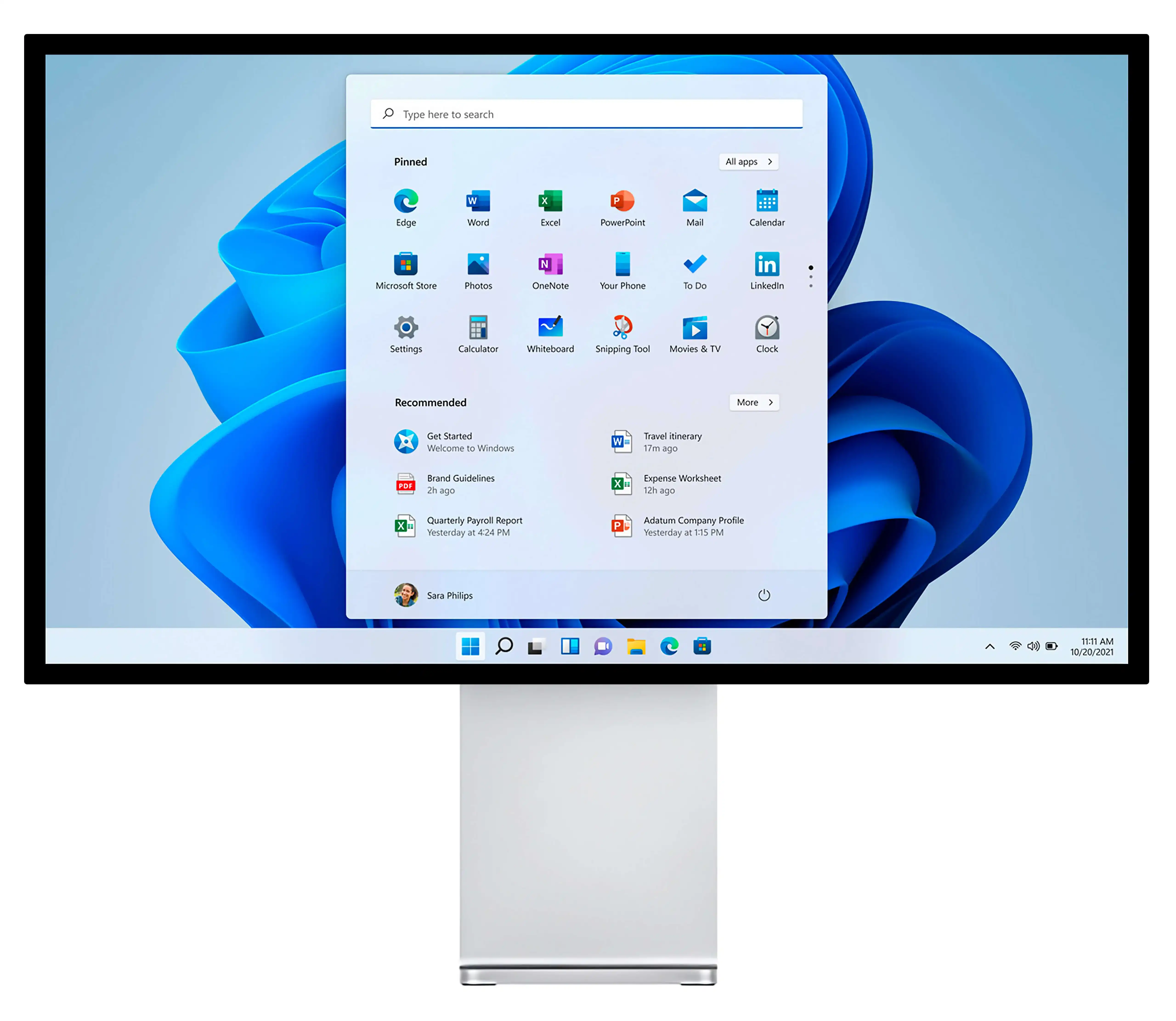
Windows
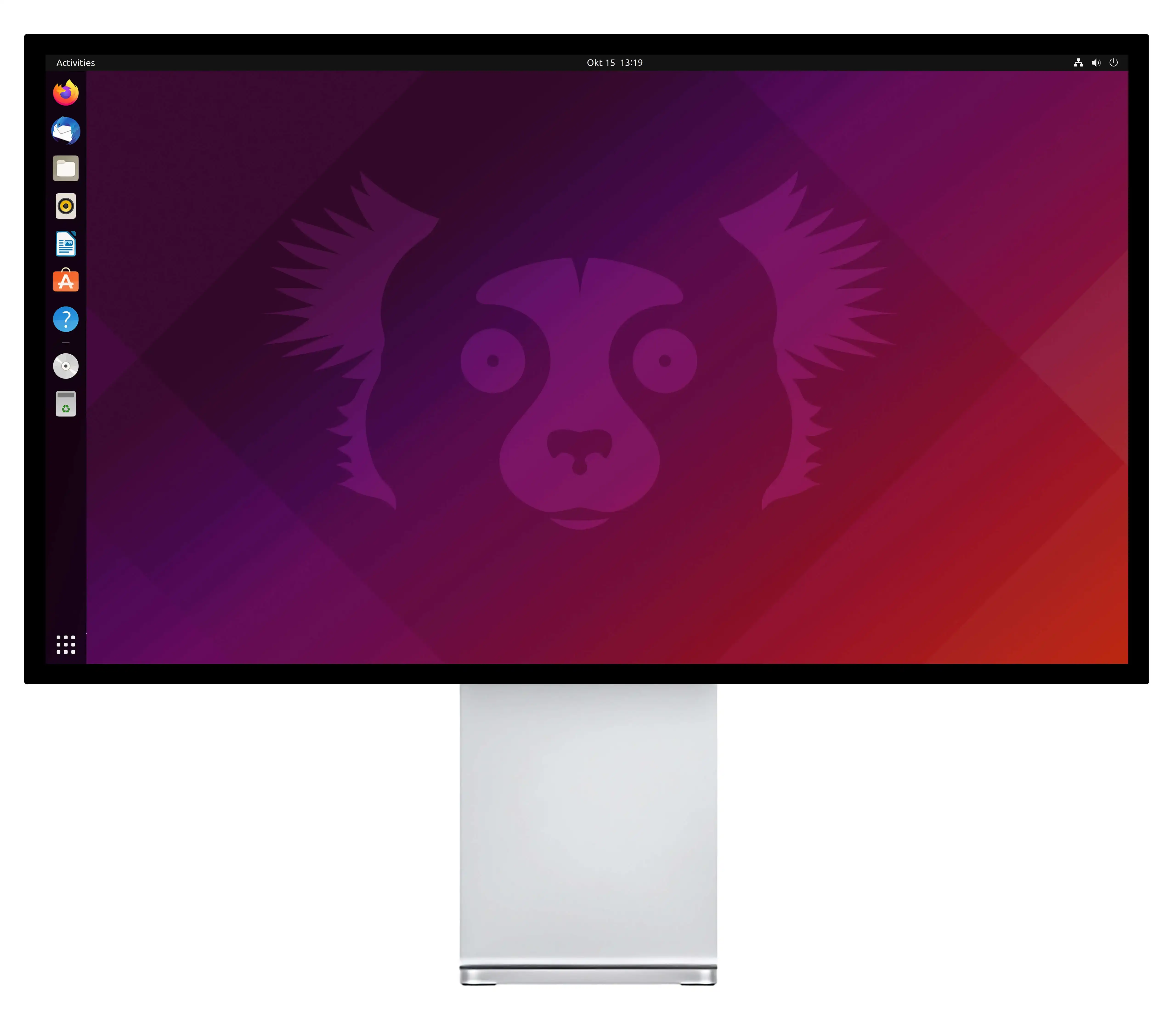
Linux
With a variety of connections including USB-C, HDMI and DisplayPort, the Q34W supports all major PlayStation, Xbox and Nintendo Switch operating systems and gaming platforms. Just plug the cable and enjoy it.
One screen to govern them all
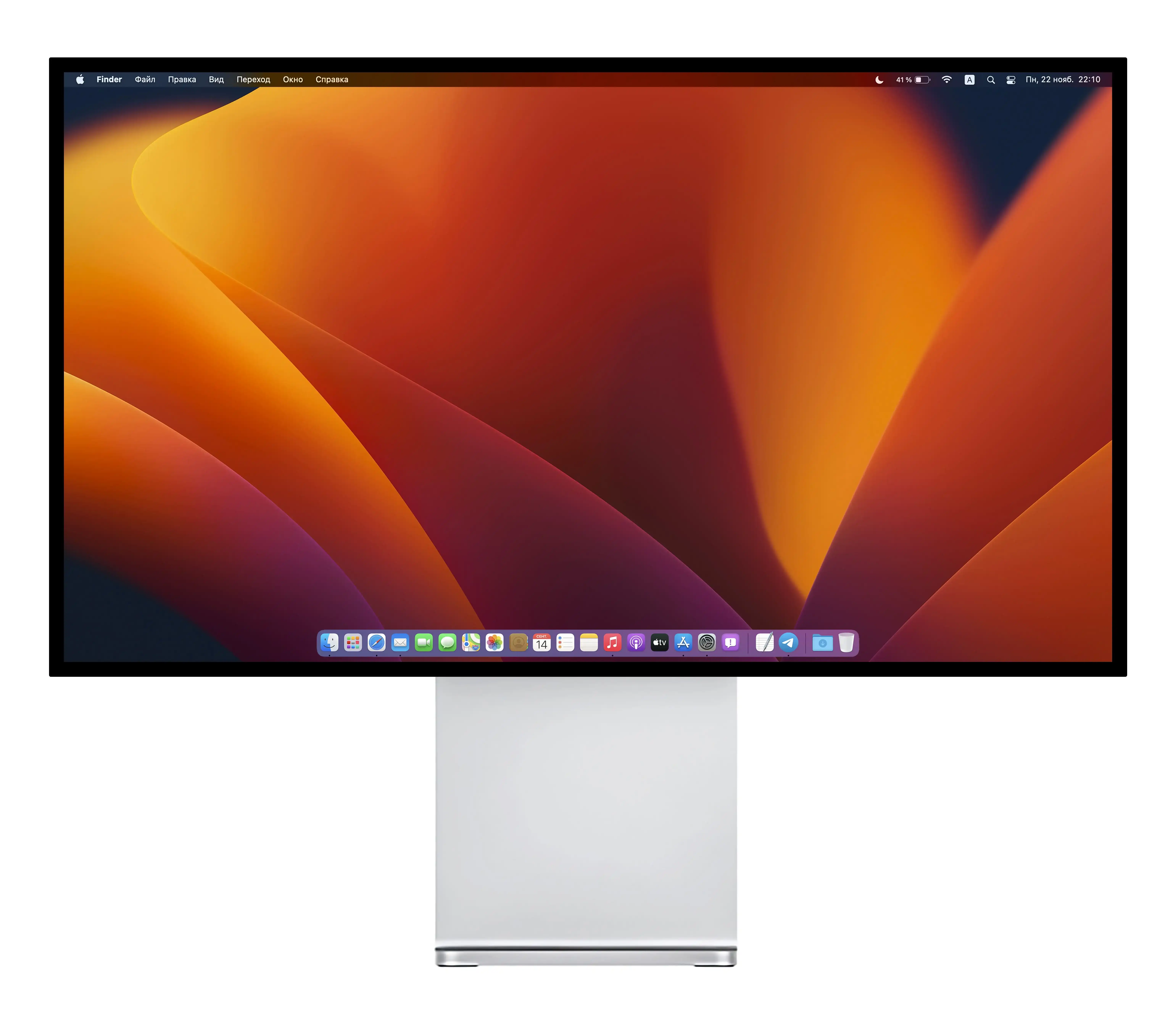
macOS
Windows
Linux
With a variety of connections including USB-C, HDMI and DisplayPort, the Q34W supports all major PlayStation, Xbox and Nintendo Switch operating systems and gaming platforms. Just plug the cable and enjoy it.
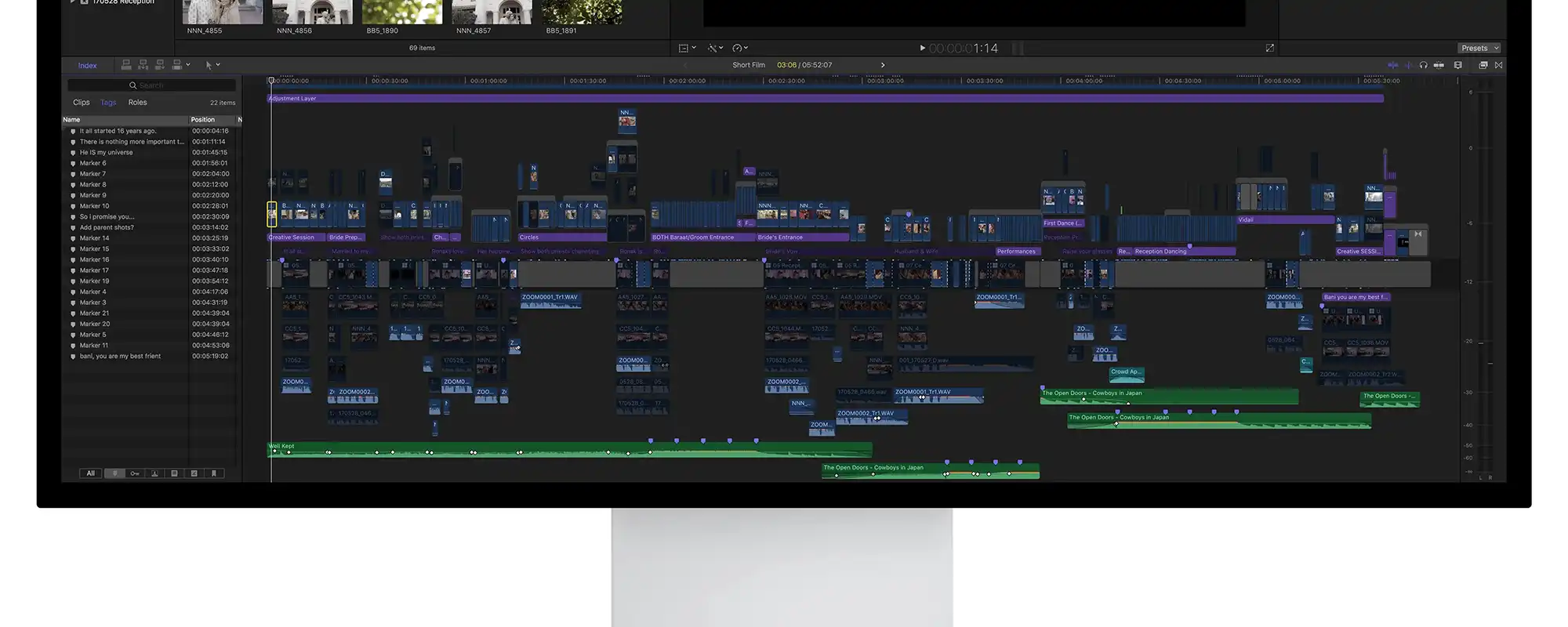
The highest pixel density on the screen offers an optimal display of the applications charged. More information in a single workspace, while keeping the finest details.
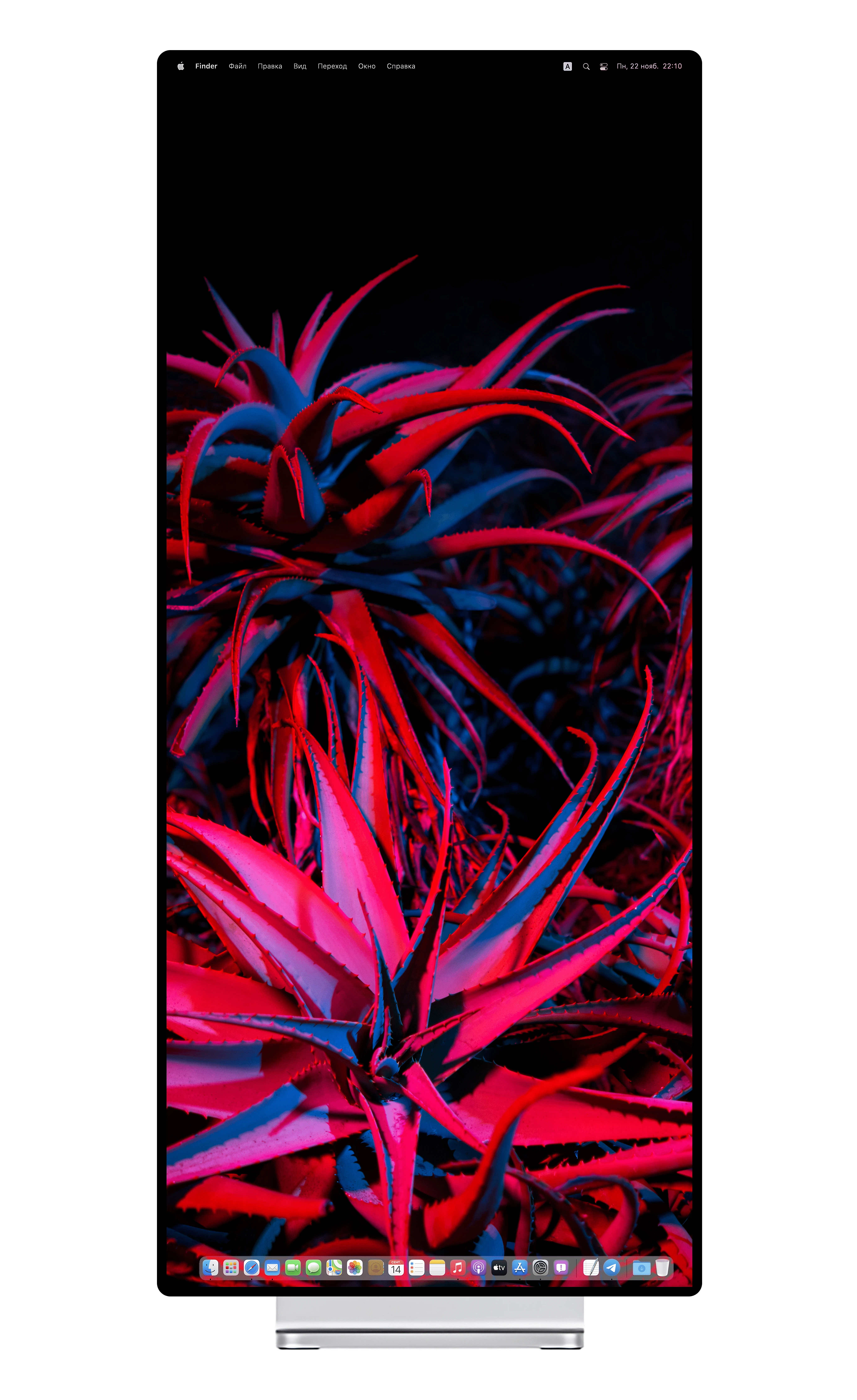
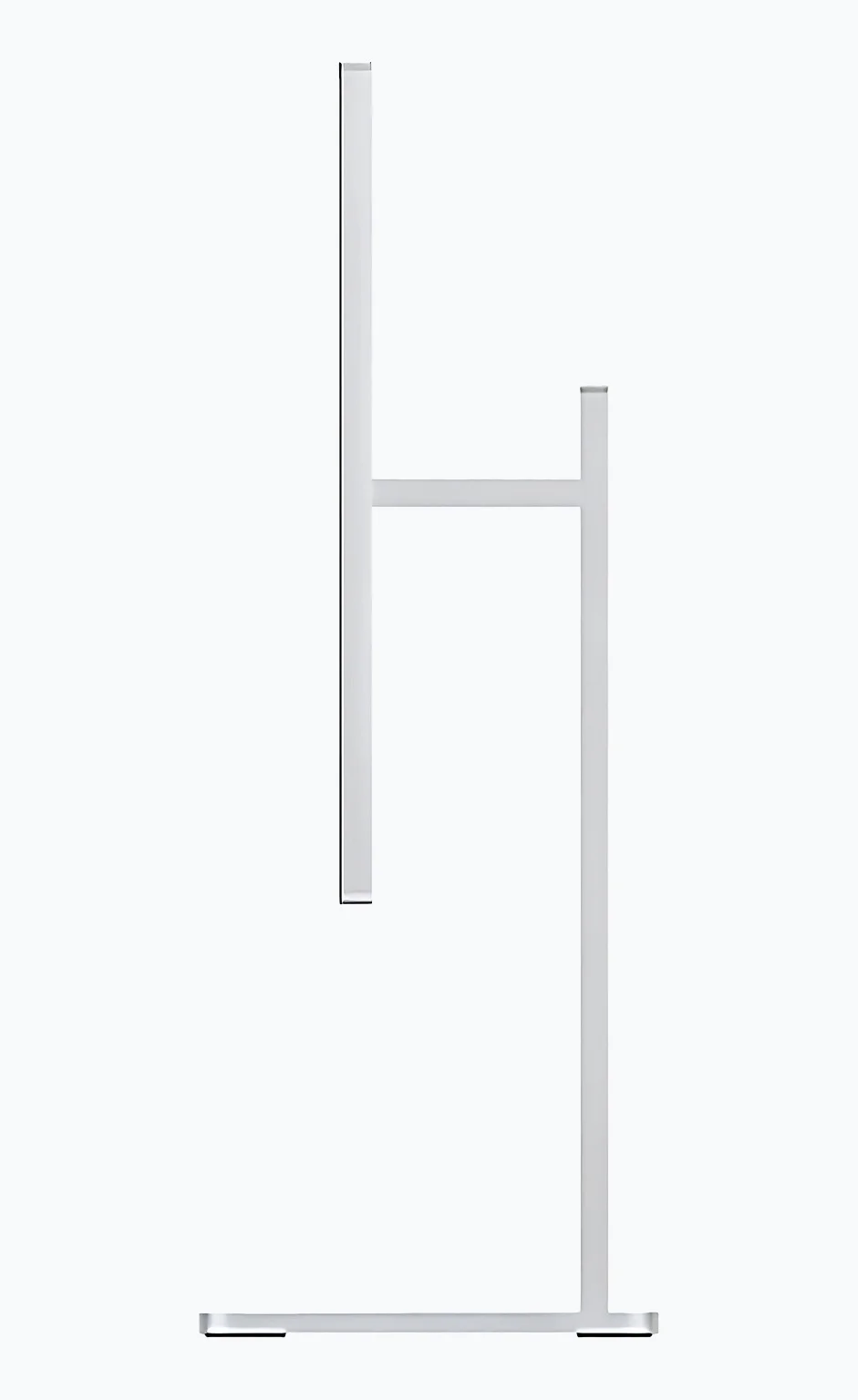
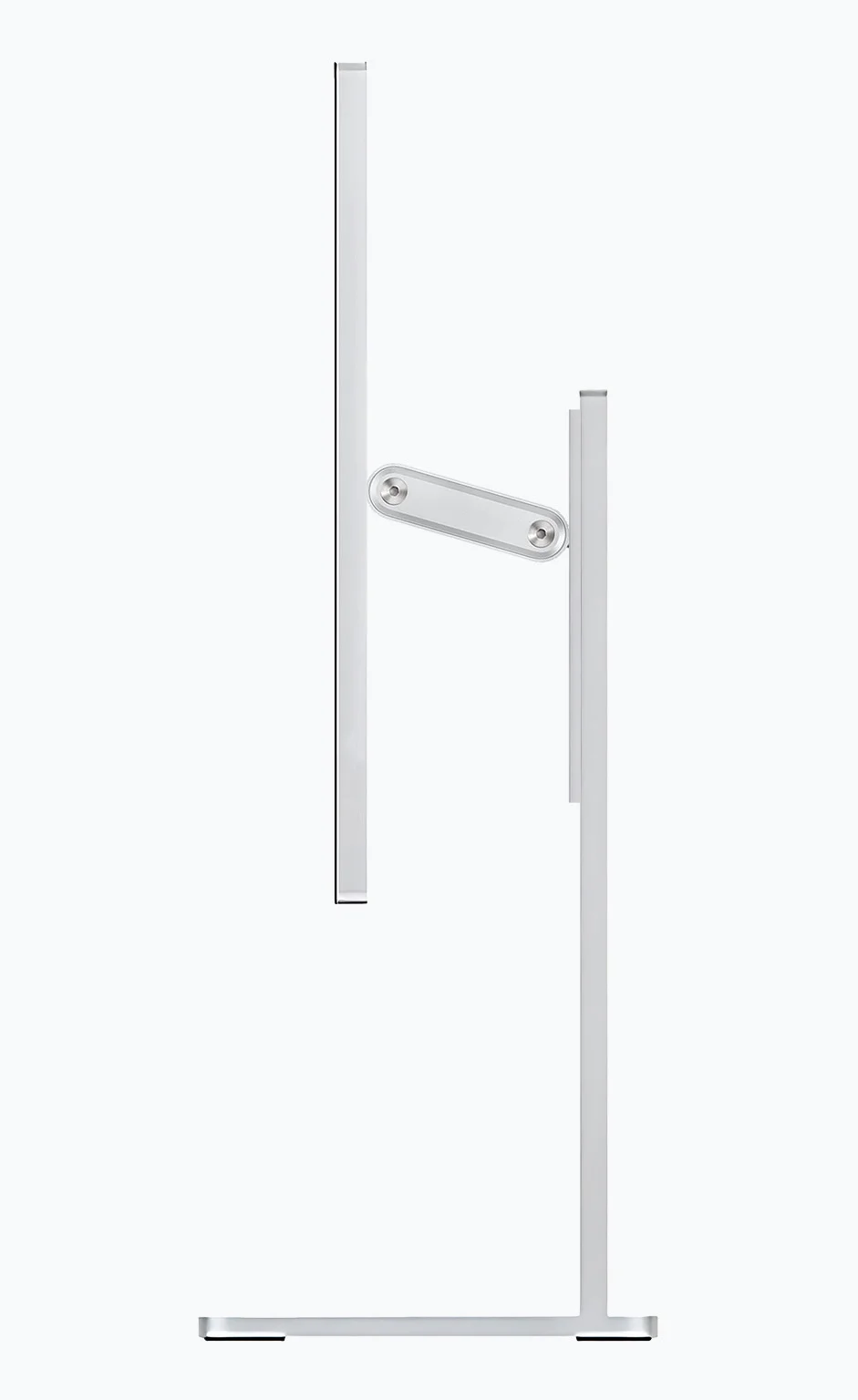
The two variants of Kuycon supports allow you to adjust the angle and rotation of the monitor (360°), the improved version of the support is also height adjustable. Buying a stand is optional.
Each monitor comes with a VESA adapter that allows you to mount the monitor on a support or wall.
The highest pixel density on the Retina screen provides an optimal display of the loaded applications. More information in a single workspace, while keeping the finest details.
The two variants of Kuycon supports allow you to adjust the angle and rotation of the monitor (360°), the improved version of the support is also height adjustable. Buying a stand is optional.
Each monitor comes with a VESA adapter that allows you to mount the monitor on a support or wall.
Your projects will become brighter.
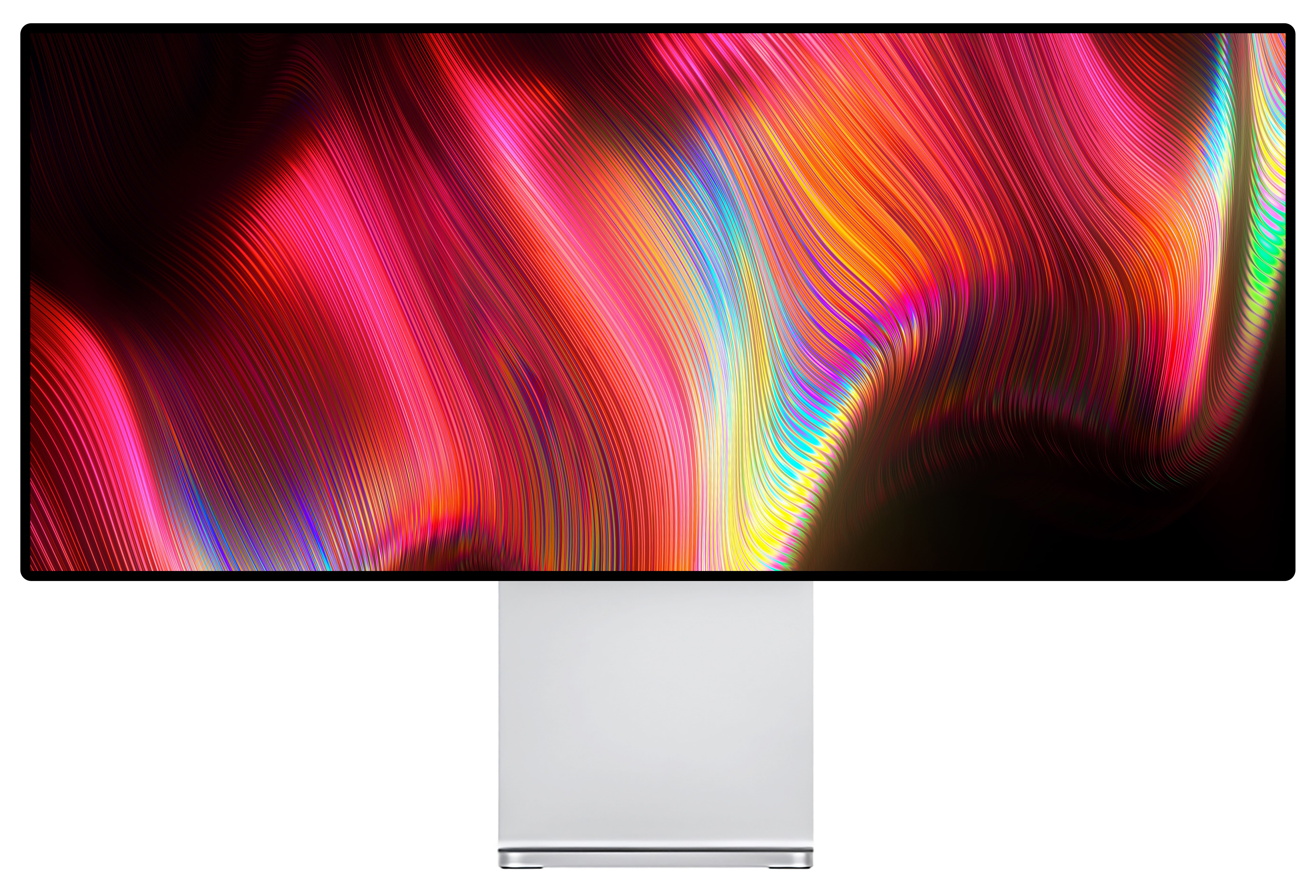
The typical luminance of most regular desktop monitors is about 300 cd/m2. The G34W maintains a constant brightness of up to 500 cd/m2 over the entire screen surface, allowing extreme brightness without any gradation.
600 nits
supported brightness
1000:1
contrast
Your projects will become brighter.
The typical luminance of most regular desktop monitors is about 300 cd/m2. The G34W maintains a constant brightness of up to 500 cd/m2 over the entire screen surface, allowing extreme brightness without any gradation.
600 nits
supported brightness
1000:1
contrast
A color that makes a statement.
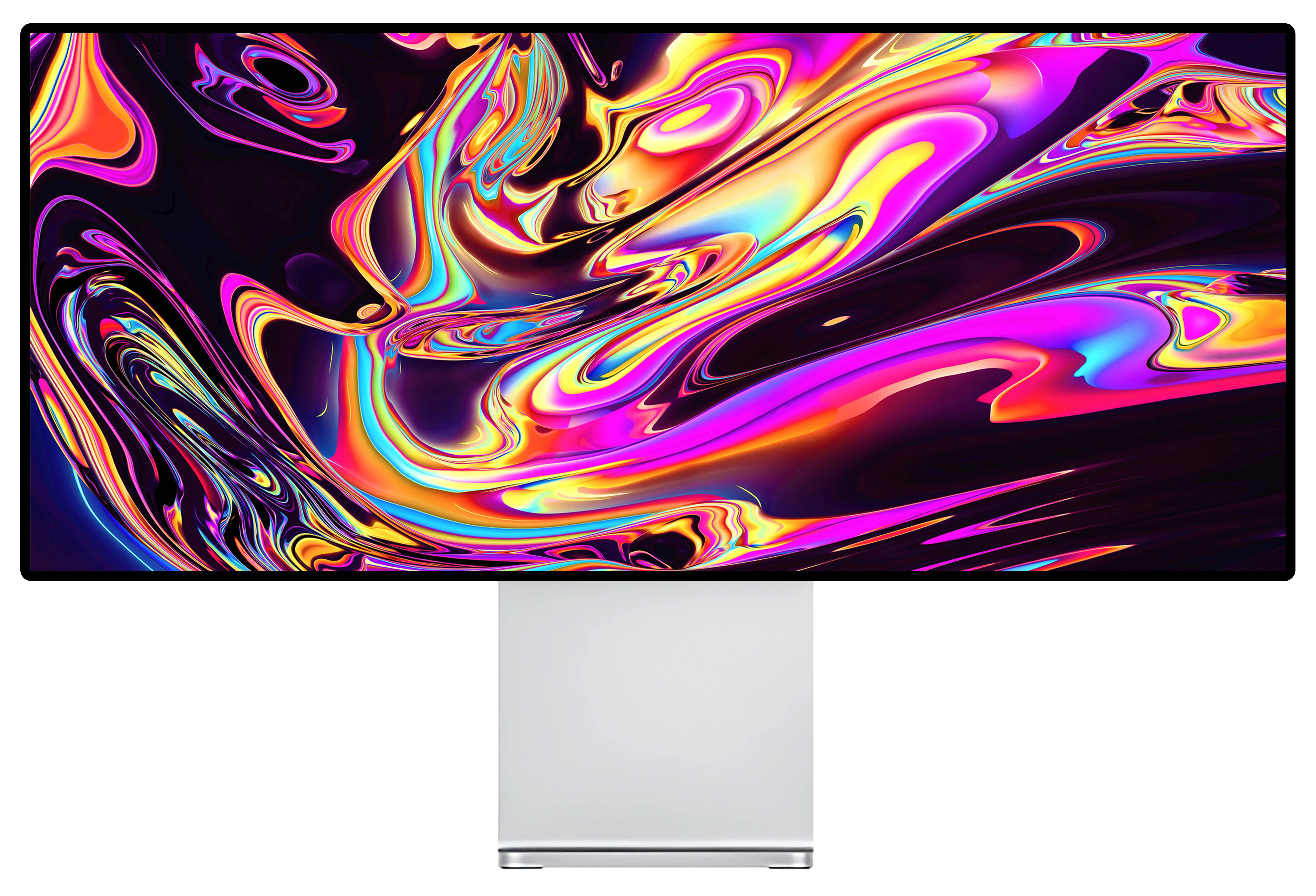
The G34W displays your work in its truest color. The wide range of colors P3 offers a color palette for incredibly colorful images. With a true reproduction of colors, the G34W can reproduce more than a billion colors with incredible precision, while advanced calibration technology and sophisticated algorithm guarantee the highest quality of color reproduction.
DCI-P3 92%, sRGB 99%
wide range of colours
HDR 600
High dynamic range
A color that makes a statement.
The G34W displays your work in its truest color. The wide range of colors P3 offers a color palette for incredibly colorful images. With a true reproduction of colors, the G34W can reproduce more than a billion colors with incredible precision, while advanced calibration technology and sophisticated algorithm guarantee the highest quality of color reproduction.
DCI-P3 92%, sRGB 99%
wide range of colours
HDR 600
High dynamic range
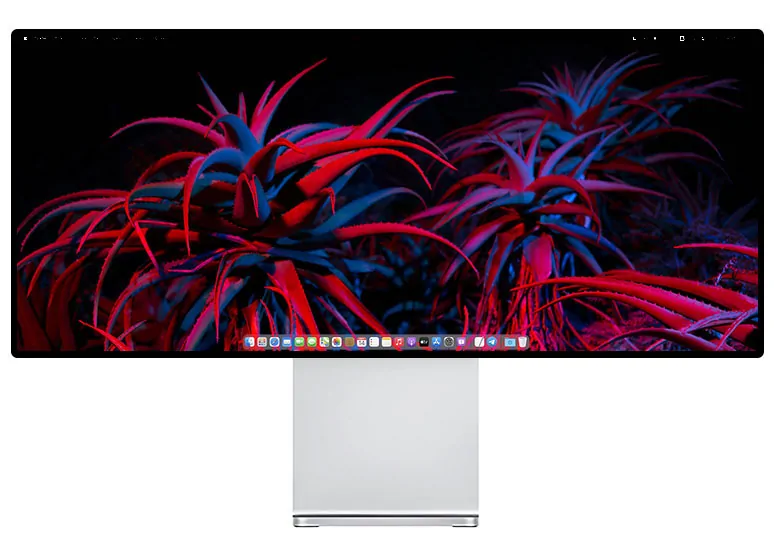
Kuycon Q34W
You will also like


5/5
Reviews from customers who purchased the product
1 סקירות
אין עדיין חוות דעת של לקוחות.
לקוחות שקנו את המוצר הזה, קנו גם:
